
Customizing Tables
In Simulise, you can customize tables to suit your needs. There are two main options: reordering columns and showing or hiding columns.
Hide or show columns
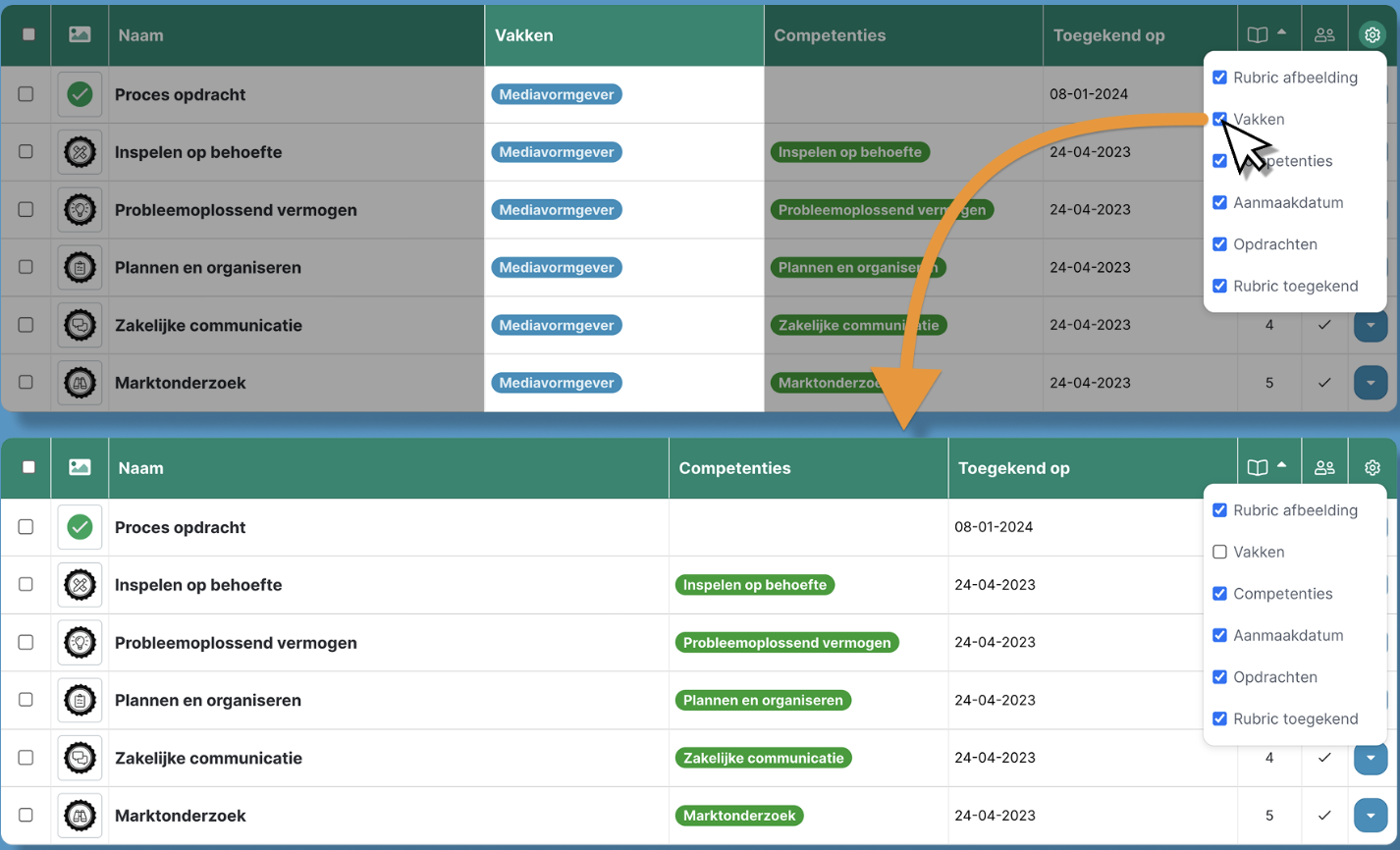
Almost all tables can be customized to your preference. You can choose which columns are visible and which are hidden.
How does it work?
- Click the gear icon on the right side of the table.
- Select or deselect the columns you want to show or hide.
Reordering columns
You can also rearrange the columns in a table by dragging them to a different position.
How does it work?
- Click and hold a column header.
- Drag the column to the desired position.
- Release the mouse button to place the column.